How to Write an NDIS-Compliant Invoice in 2026-27
A practical, plain-English guide to what belongs on an NDIS invoice, which fields the plan manager actually checks, and how to avoid the rejections that slow your payment.
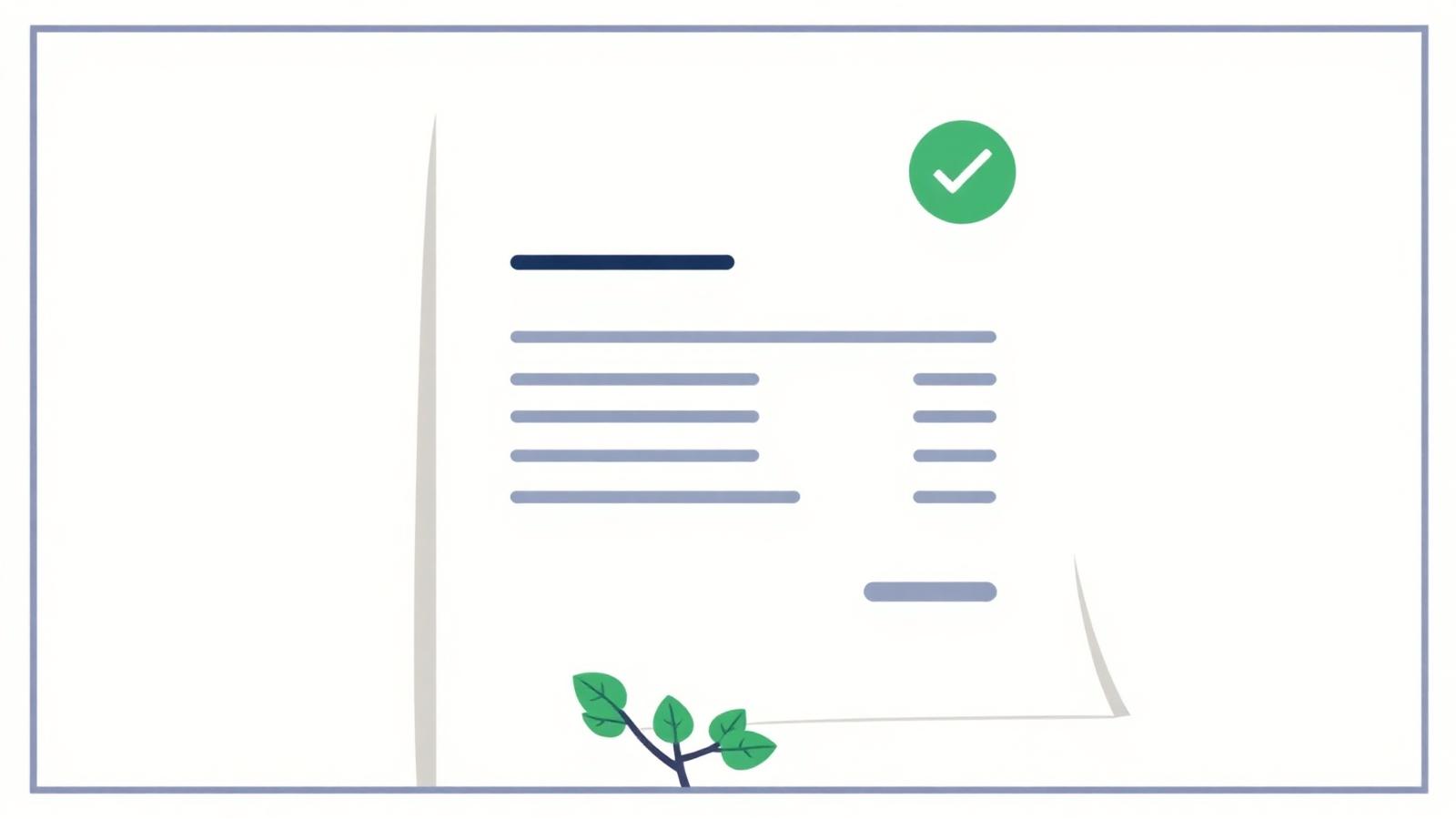
Every NDIS invoice you send is checked against the NDIS Pricing Schedule before it gets paid. Get one field wrong and it comes back for correction, which pushes payment out by another week or more. This guide walks through exactly what belongs on the invoice and the specific checks a plan manager runs.
What must appear on the invoice
At a minimum, every NDIS invoice needs:
- Your business name and ABN
- The participant's full name and NDIS number
- A unique invoice number and issue date
- For each service line: the service date, the support item code (from the current NDIS Pricing Schedule), a short description, the unit, the quantity, and the unit price
- The total amount payable, with GST shown separately (usually $0.00)
- Your payment details (BSB and account, or PayID)
The support item code is the single field that causes the most rejections. It must match the exact 12-character code in the schedule, for example 01_011_0107_1_1 for Assistance With Self-Care Activities - Standard - Weekday Daytime.
The three checks a plan manager runs
- Item code exists in the current schedule. The 2026-27 schedule took effect on 1 July 2026. Any code that has been retired since then will be rejected automatically.
- Unit price is at or below the price limit. The limit depends on the participant's location (national, remote or very remote, using the Modified Monash Model). Charging one cent over the limit fails the check.
- Service dates fall within an active plan. If the participant's plan ended before your service date, the claim cannot be paid from that plan.
Common reasons invoices get rejected
- Using an old item code from a previous price guide
- Charging above the price limit for the participant's location
- Missing the participant's NDIS number
- Service date outside the plan period
- Duplicate invoice number for the same participant
Making it easier
The free NDIS price guide search on this site lets you paste in a support description and get back the correct current code, unit, and price limits in one click. From there you can start a compliant invoice that pre-fills the item, so the fields most likely to be rejected are already right.
Frequently asked questions
Do NDIS invoices need to include GST? Most NDIS supports are GST-free, so your invoice usually shows GST as $0.00. The price limits published by the NDIA are GST-inclusive regardless.
What ABN details are required? Your ABN must appear on the invoice. Sole traders without an ABN can supply a Statement by a Supplier form; otherwise the payer must withhold 47% under Australian tax rules.
How long do plan managers take to pay? Plan managers typically pay within 5 to 10 business days. Rejections restart the clock, so getting the item code and dates right the first time matters.